 IT Career Starter Pack, Inc.

IT certification training · Self-paced or cohort
Self-paced or cohort. Never on your own.
Start free with CompTIA Tech+™ Exam Prep, then earn CompTIA A+® on your own schedule or alongside a cohort. Either way, you work through every exam objective in order, with lessons, labs and quizzes, and get help from an instructor who has done the job.
Not sure where to start? Join a free info session on the first Monday of each month at 6 PM ET. See Events for dates.
What you get
More than a course. A whole starter pack.
Here’s a look at what you get when you enroll in a course. Pick a tab, then hover over a numbered note to see where it lives.
A free account gets you access to events, the community and career resources. The student portal and course materials open up for each course you enroll in.
- 1Learn in order
Lessons, labs and flashcards organized by module, following the exam objectives in order.
- 2Practice by domain
A practice set after every module, with explanations for every answer.
- 3Track your readiness
See how you’re scoring in each domain so you know when you’re ready for the exam.
- 4Ask anytime
Post questions in our Discord or submit a weekly check-in. Students can also bring them to a live session on Zoom.
- 1Self-paced
Start when you’re ready and move through the course on your own schedule.
- 2Cohort classes
Learn alongside a group on a set schedule, with live sessions led by the instructor.
- 3Weekly check-ins
A weekly check-in in your student portal to keep you on track, plus recorded live sessions on Tuesdays and Thursdays for any ongoing cohort. Self-paced students are welcome to join, though the cohort may be on a different module.
- 4Networking opportunities
Meet classmates and people working in IT in our Discord, with a networking voice channel and a study channel you can join anytime.
- 1Member profiles
Share a photo, a short bio, your goals and your LinkedIn® profile.
- 2Find study partners
Connect with people working toward the same certification.
- 3Discord access
Community members get access to our Discord server to ask questions, share wins and swap tips.
- 1Resume reviews
Feedback on your IT resume so it gets past applicant tracking systems and in front of a hiring manager.
- 2LinkedIn® tips
Build a profile recruiters can find, and learn how to reach out to people in the field.
- 3Job search tools
Ready-made job searches, an ATS-friendly resume template and places to find IT jobs.
How it works
Every course follows the exam objectives, in order.
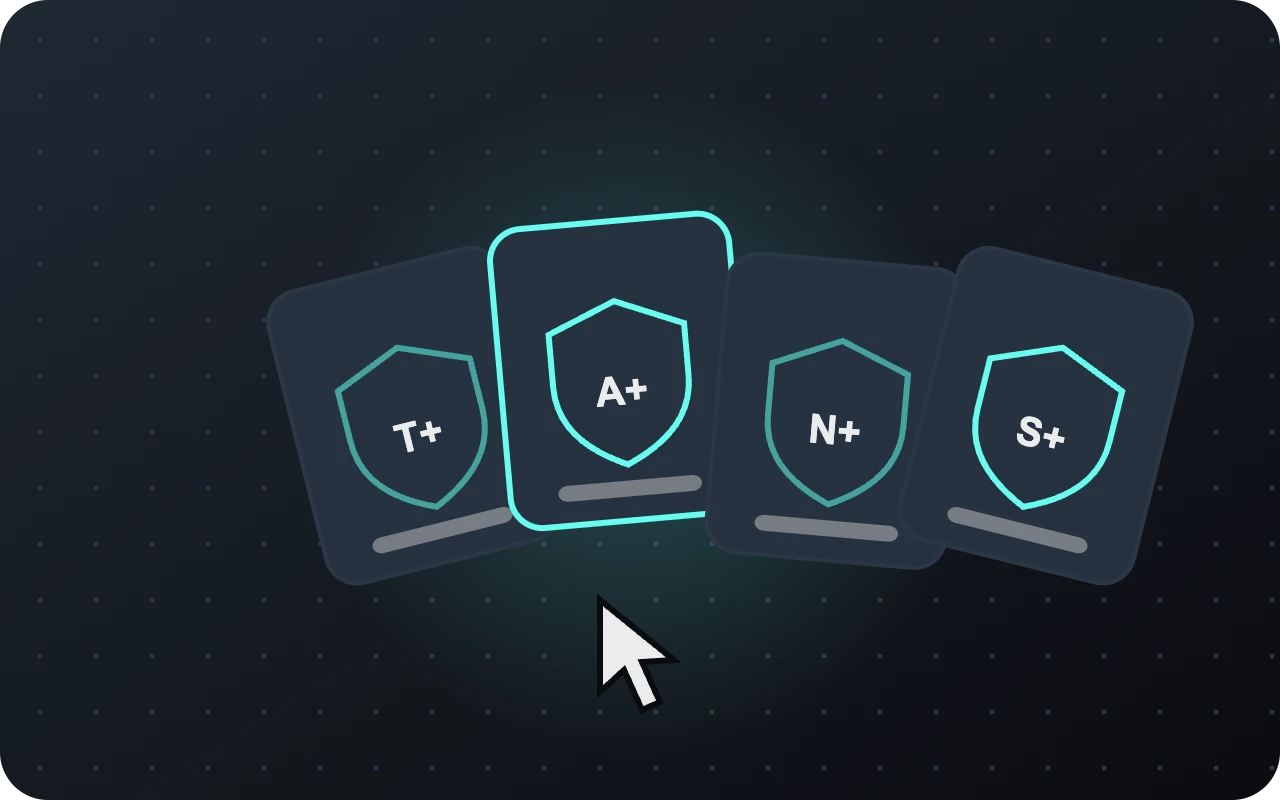
01
Choose your course
Not sure where to begin? Answer a few quick questions in the course finder to see which certification fits where you are today.
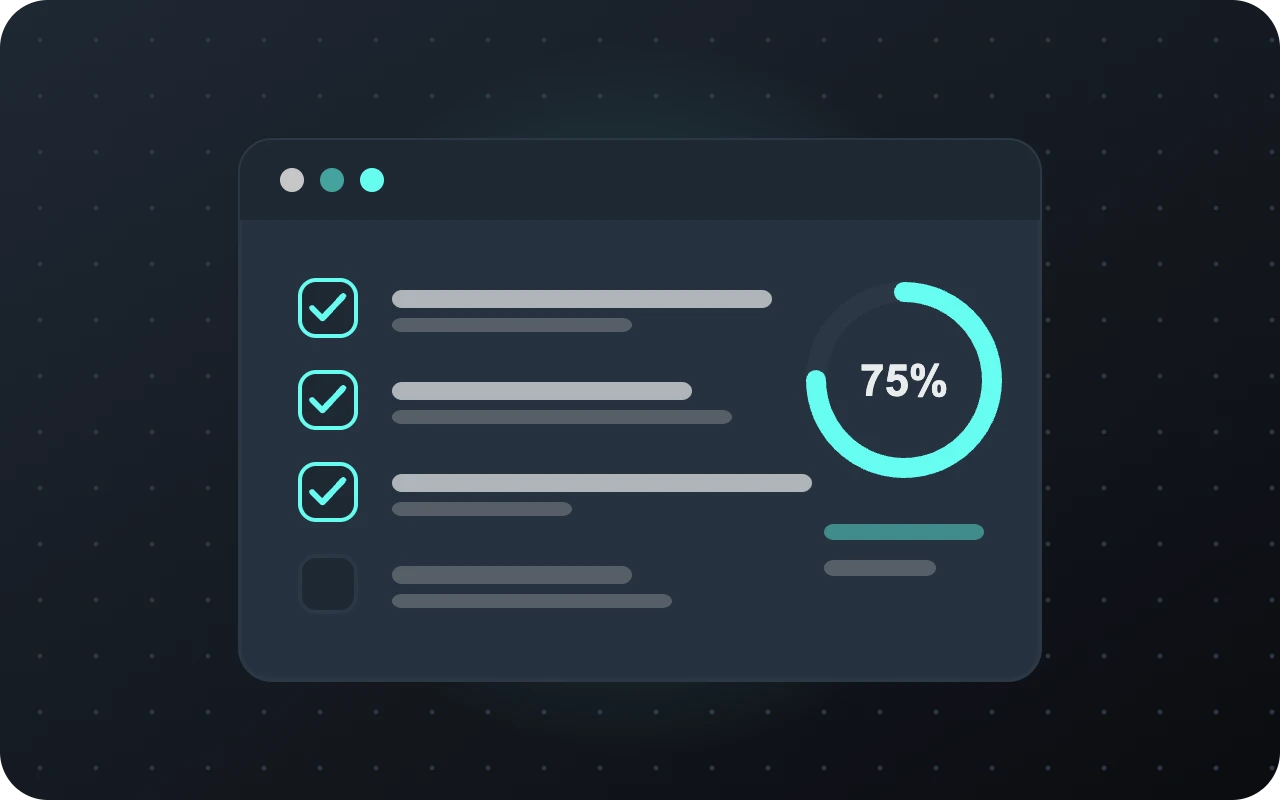
02
Learn and practice
Work through the modules at your own pace or with a cohort, with a quiz after each one. Bring questions to our Discord, or to the live sessions if you are in an ongoing cohort.
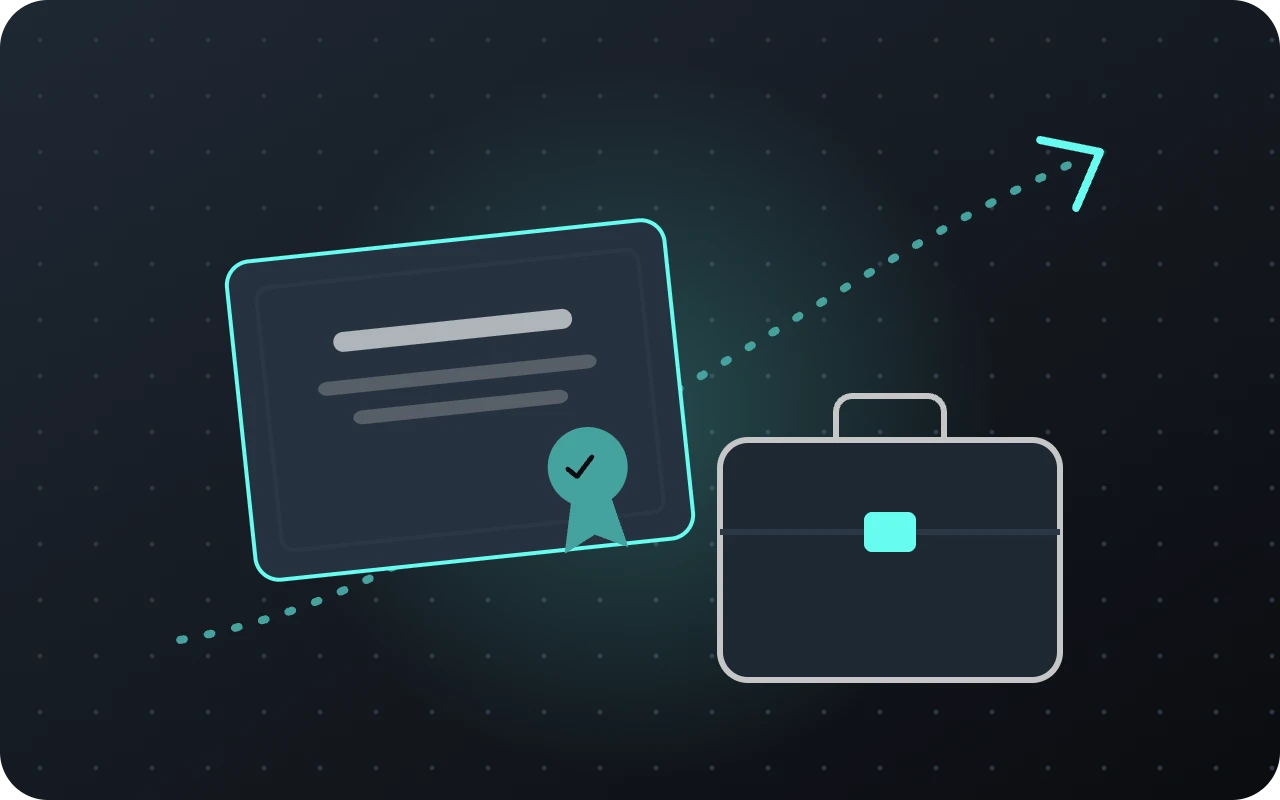
03
Pass and get connected
Book the exam when every domain is ready, then polish your resume and LinkedIn® profile for the job search.
Ready to start your path?
Tell us where you are today and the role you’re aiming for. We’ll pick the right starting course together.