 IT Career Starter Pack, Inc.

Career resources
Tools to land your first IT job.
Free, practical help for the job search: LinkedIn® searches you can copy, an ATS-friendly resume template you can edit, and checklists for your profile and applications.

Career resource
LinkedIn® Boolean searches
Copy-ready searches that cut LinkedIn® results down to the IT jobs and people you actually want.
- Searches for help desk, network and security roles
- Find IT recruiters and hiring managers near you
- How AND, OR, NOT and quotes work
Free · 6 searches to copy
Career resource
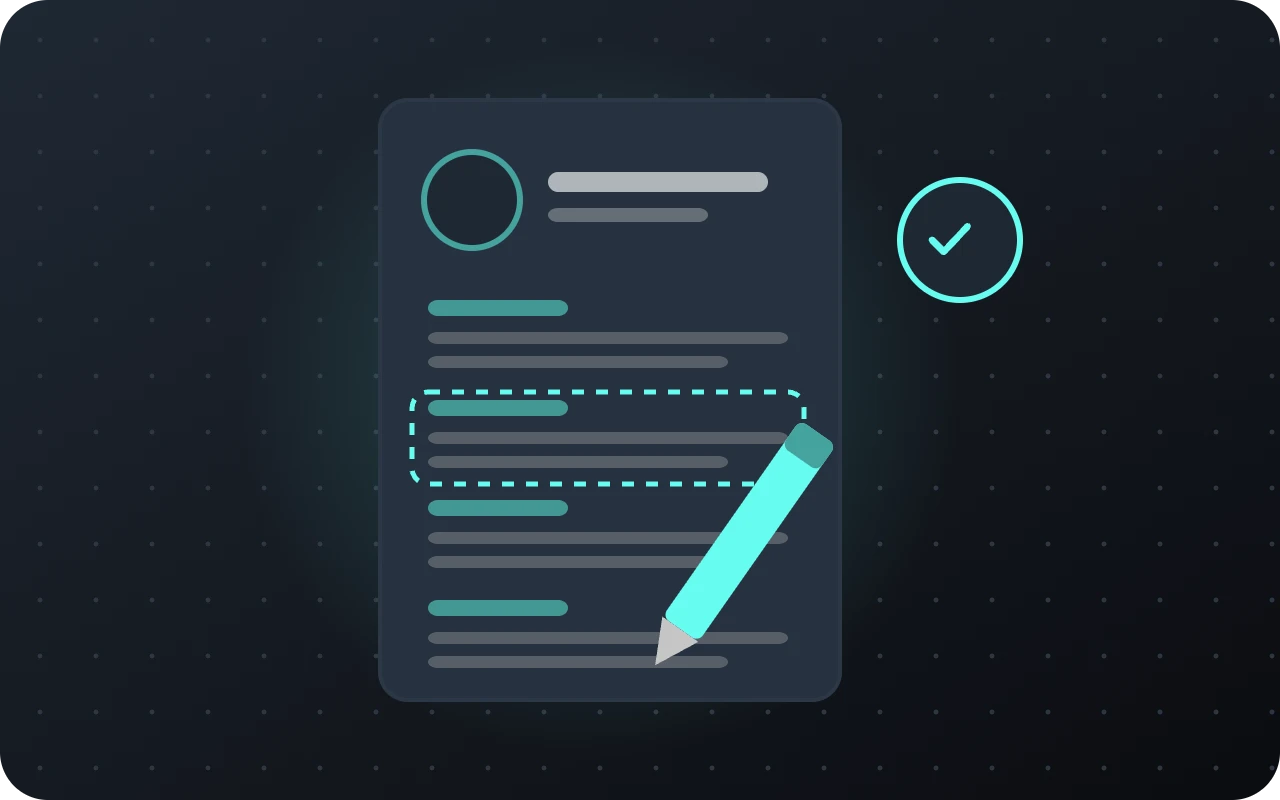
ATS resume template
A one-page IT resume in Word, built to get past applicant tracking systems. Download it and fill in the brackets.
- One column, standard headings, no tables
- Sections for certifications and home labs
- Six tips for getting past the ATS
Free · Word (.docx) download

Career resource
LinkedIn® profile checklist
Eight quick fixes that help recruiters find you when they search for entry-level IT talent.
- A headline formula that works
- Certifications, skills and Featured
- Open to Work, the right way
Free · 8-point checklist

Career resource
Where to find IT jobs
The job boards and employers that hire people for their first IT role.
- Job boards, including tech-only Dice
- Government, schools, hospitals and MSPs
- ClearanceJobs, staffing agencies like Insight Global, and our Discord
Free · 8 places to look
Search smarter
LinkedIn® Boolean searches
Combine keywords so LinkedIn® shows the jobs and people you actually want. Paste a search into the LinkedIn® search bar, then choose Jobs or People.
“quotes”
Exact phrase. “help desk” finds that phrase, not help or desk on their own.
AND
Both words must appear. Write it in capital letters.
OR
Either word can appear. Great for job titles that mean the same thing.
NOT
Leaves results out, like NOT senior.
( )
Groups words so LinkedIn® reads them together, like (junior OR “entry level”).
Job searches
Entry-level help desk and IT support
("help desk" OR "service desk" OR "desktop support" OR "IT support") AND ("entry level" OR junior OR "Tier 1" OR "Level 1") NOT (senior OR manager OR lead)Jobs that ask for CompTIA A+®
("IT support" OR "technical support" OR "help desk") AND ("CompTIA A+" OR "A+ certification")Network support
("network technician" OR "network support" OR "NOC technician") AND ("Network+" OR CCNA) NOT (senior OR architect)Entry-level security
("SOC analyst" OR "security analyst" OR "cybersecurity analyst") AND ("Security+" OR junior OR "entry level") NOT (senior OR principal OR manager)People searches
IT recruiters near you (replace your city)
("technical recruiter" OR "IT recruiter" OR "talent acquisition") AND (IT OR technology) AND "your city"Hiring managers to connect with
("IT manager" OR "help desk manager" OR "service desk manager" OR "IT director") AND "your city"Search tips
Use capital letters
Write AND, OR and NOT in capitals, or LinkedIn® reads them as regular words.
Add filters
After you search: Date posted (past week), Experience level (Entry level, Associate) and Remote.
Turn on alerts
Save the search and turn on job alerts so new matches come to you.
Skip wildcards
LinkedIn® doesn’t support tech*. List each word with OR instead.
Free download · Word (.docx)
ATS-friendly resume template
Most employers run resumes through an applicant tracking system (ATS) before a person reads them. This one-page template is built to get through: one column, standard section names and no tables or graphics.
Open it in Word or Google Docs and replace everything in [brackets].
How to get past the ATS
01
Match the posting
Use the same words it uses for skills and tools, like “Active Directory,” where they’re true for you.
02
Write certs in full
Use the full name, like “CompTIA A+®,” never a shortened one, with the month and year you earned it.
03
Keep standard headings
Summary, Certifications, Skills, Experience, Education.
04
Verbs and numbers
Start bullets with an action verb and add a number: “Resolved 25+ tickets a week.”
05
Count your home lab
Projects and labs are real experience for an entry-level role.
06
Right file type
Send what they ask for. If they don’t say, a .docx or a simple PDF both work.
Get found by recruiters
LinkedIn® profile checklist
01
Headline
Target role, certification and top skills: “IT Support Specialist | CompTIA A+® | Windows, Active Directory.”
02
Photo
A clear, friendly headshot. Profiles with photos get far more views.
03
About
Three to five sentences on where you’re coming from, what you’ve learned and the role you want.
04
Certifications
Add each CompTIA® cert with its credential ID or badge link.
05
Skills
List the tools from the jobs you want, and pin your top ones.
06
Featured
Show off a home lab write-up, a project or your resume.
07
Open to Work
Turn it on with your target titles. Choose “Recruiters only” if you’re currently employed.
08
Custom URL
Change it to linkedin.com/in/yourname and put it on your resume.
Apply in the right places
Where to find IT jobs
LinkedIn® Jobs and Indeed
The biggest boards. Use the searches above and set alerts.
Government jobs
USAJOBS plus your state and city job sites often have clear entry-level paths.
Managed service providers
Local IT companies (MSPs) hire help desk staff year round and teach a lot fast.
Hospitals and schools
School districts, universities and hospitals have large IT teams with steady hiring.
IT staffing agencies
They place people in contract and contract-to-hire roles, a common first step. Examples: Insight Global, TEKsystems, Robert Half, Everforth Apex, Kforce and Experis.
Robert Half ↗ · TEKsystems ↗ · Insight Global ↗ · Everforth Apex ↗ · Kforce ↗ · Experis ↗
ClearanceJobs
For cleared talent: a job board just for people who hold, or can get, a U.S. security clearance.